View動畫其實就是使ImageView上的圖片在隱藏、旋轉、縮放、平移通過動畫的過程顯示。
佈局代碼,設置圖片要通過src設置
<Button
    android:text="透明動畫"
    android:id="@+id/button2"
    android:layout_width="wrap_content"
    android:layout_height="wrap_content" />

<ImageView
    android:id="@+id/alpha_image"
    android:src="@mipmap/ic_launcher"
    android:layout_width="match_parent"
    android:layout_height="match_parent" />
Java代碼:
final ImageView alpha = (ImageView) findViewById(R.id.alpha_image);
Button button = (Button) findViewById(R.id.button2);

button.setOnClickListener(new View.OnClickListener() {

    @Override
    public void onClick(View v) {
        /**
         * AlphaAnimation 透明動畫
         * RotateAnimation 旋轉動畫
         * ScaleAnimation 縮放動畫
         * TranslateAnimation 平移動畫
         * AnimationSet 組合動畫
         * 第一個參數是開始的透明度
         * 第二個參數是結束的透明度
         */
        AlphaAnimation alphaAnimation = new AlphaAnimation(1.0f,0.0f);
        //設置動畫的時間長度
        alphaAnimation.setDuration(2000);
        //設置重複的類型
        alphaAnimation.setRepeatMode(Animation.REVERSE);
        //設置重複的次數
        alphaAnimation.setRepeatCount(2);
        //設置是否停留在最終狀態
        alphaAnimation.setFillAfter(false);
        //讓動畫執行起來
        alpha.startAnimation(alphaAnimation);
    }
});
效果圖,就幾行代碼就可以完成了

要注意的一些問題
有些朋友不是使用startAnimation(alphaAnimation)啓動的,而是使用下面的方式,會發現有些手機沒有反應,這是因爲一些手機不支持這種方法。
imageView.setAnimation(alphaAnimation);
alphaAnimation.start();
各種動畫的Java代碼
這種動畫一般分成四類,那麼我們就創建一個項目好好玩玩
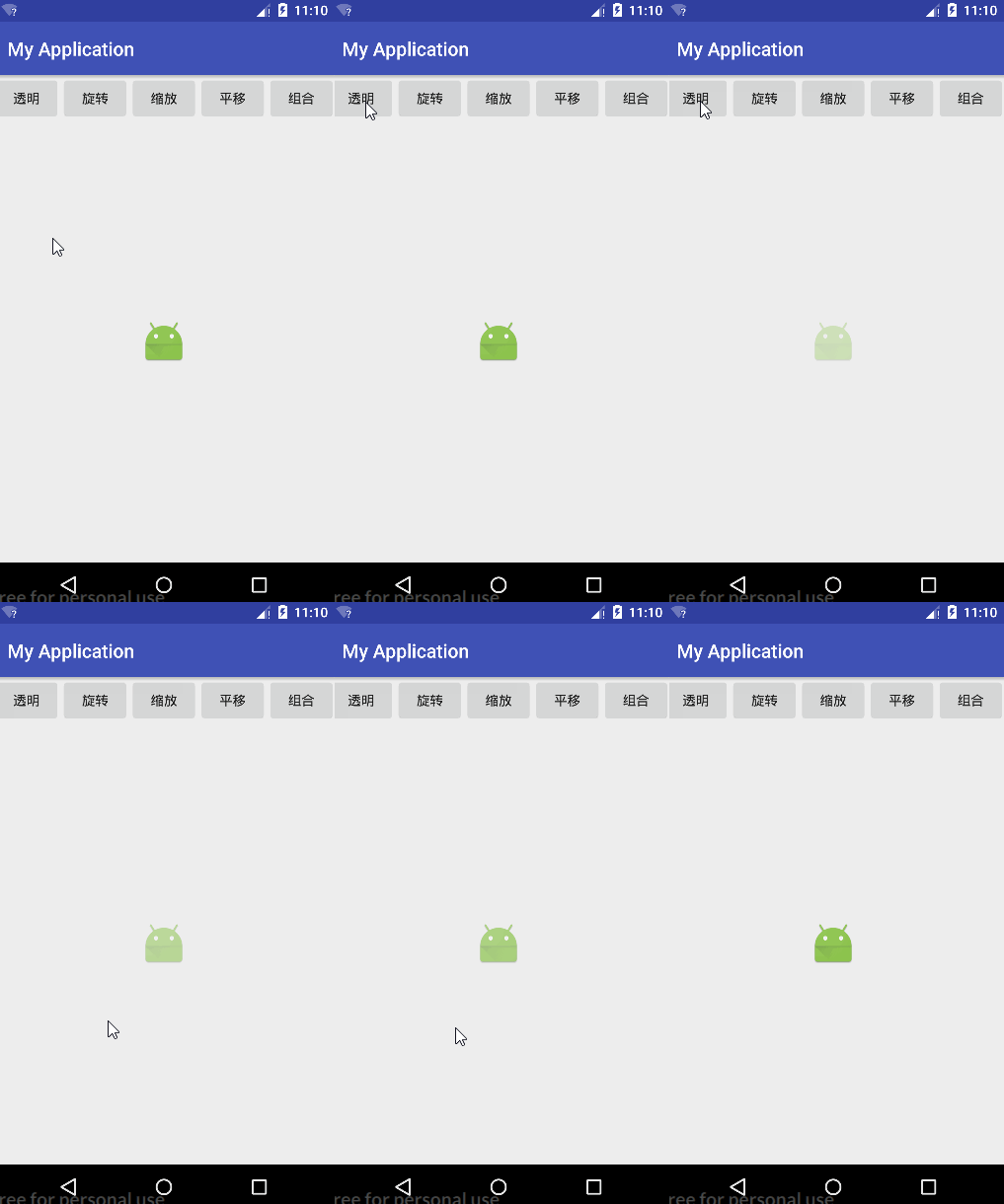
透明動畫
//AlphaAnimation 透明動畫
//第一個參數是開始的透明度,第二個參數是結束的透明度,1.0完全透明,0.0完全透明
AlphaAnimation alphaAnimation = new AlphaAnimation(1.0f, 0.0f);
//設置動畫的時間長度
alphaAnimation.setDuration(2000);
//設置重複的類型
alphaAnimation.setRepeatMode(Animation.REVERSE);
//設置重複的次數
alphaAnimation.setRepeatCount(2);
//設置是否停留在最終狀態
alphaAnimation.setFillAfter(false);
//讓動畫執行起來
imageView.startAnimation(alphaAnimation);
效果圖
旋轉動畫
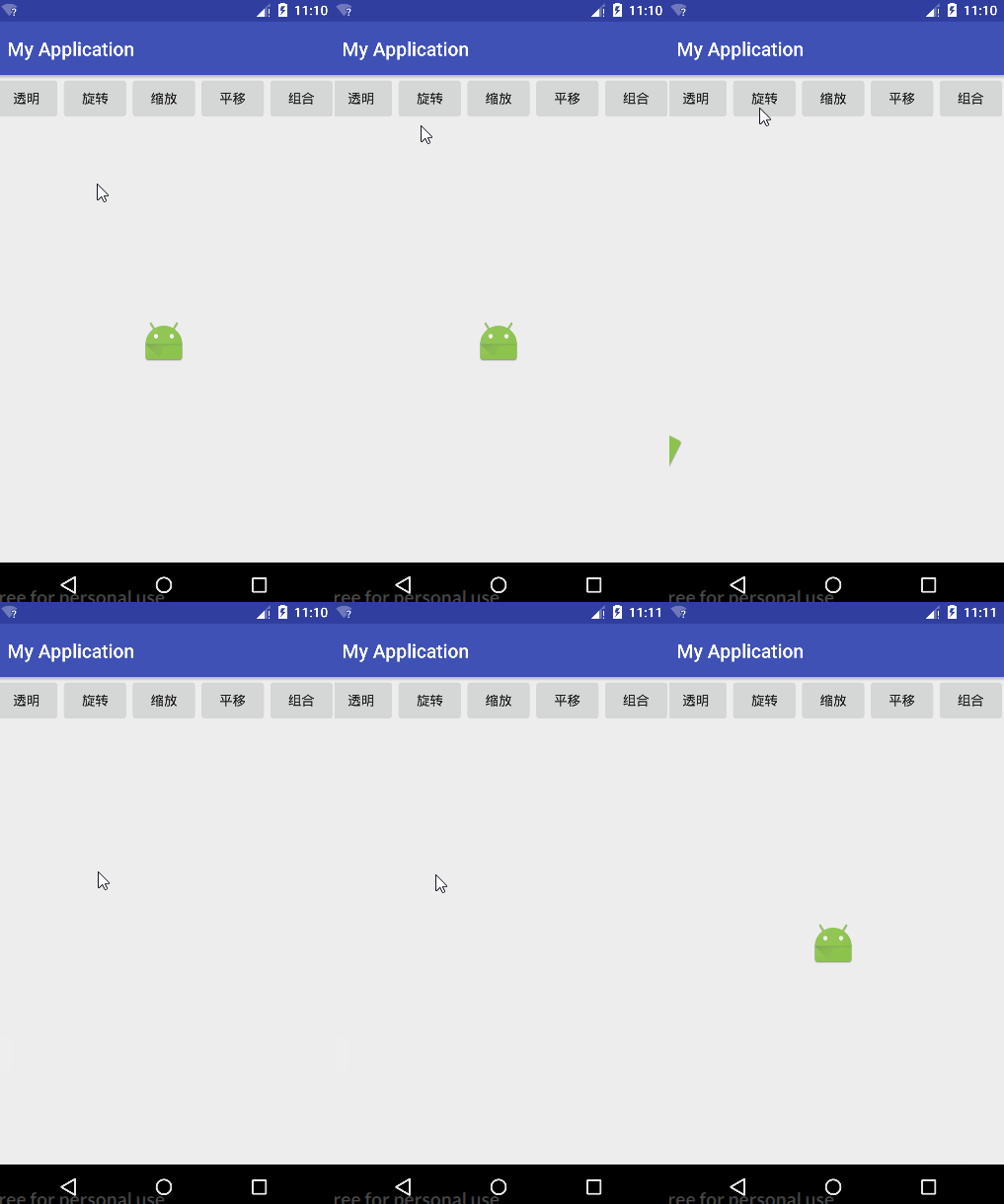
//RotateAnimation 旋轉動畫
//第一個參數是開始的的角度,第二個參數是結束的角度
//第三個參數是旋轉中心的X座標類型,Animation.RELATIVE_TO_SELF 表示自身
//第四個參數是X座標,0.5f表示X的一半
//第五個參數是旋轉中心的座標類型,Animation.RELATIVE_TO_PARENT 表示父級容器
//第六個參數是Y座標,0.5f表示X的一半
RotateAnimation rotateAnimation = new
        RotateAnimation(0, 360,Animation.RELATIVE_TO_SELF,0.5f,Animation.RELATIVE_TO_PARENT,0.5f);
//設置動畫的時間長度
rotateAnimation.setDuration(2000);
//設置重複的類型
rotateAnimation.setRepeatMode(Animation.REVERSE);
//設置重複的次數
rotateAnimation.setRepeatCount(2);
//設置是否停留在最終狀態
rotateAnimation.setFillAfter(false);
//讓動畫執行起來
imageView.startAnimation(rotateAnimation);
效果圖
縮放動畫
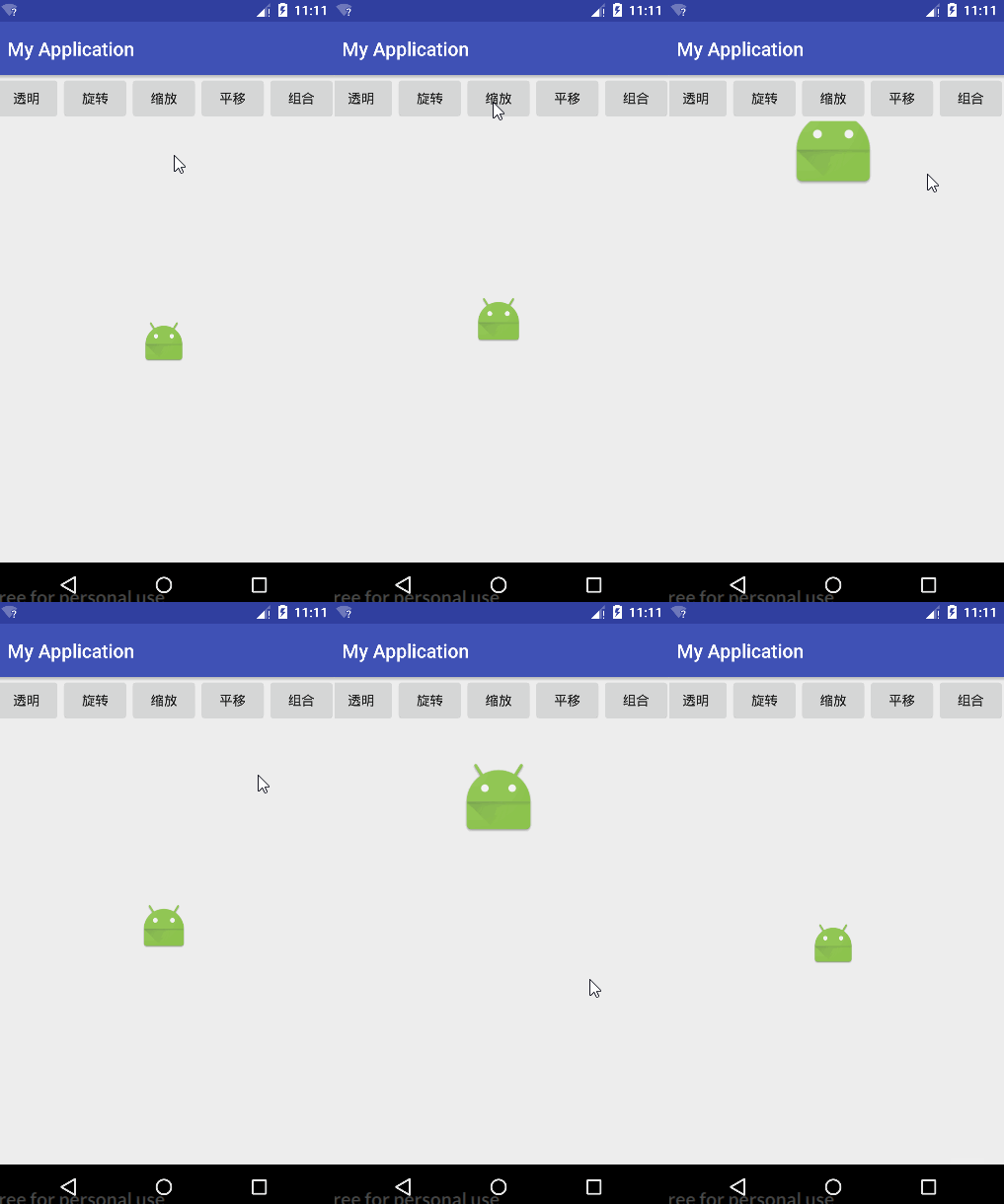
//ScaleAnimation 縮放動畫
//第一個參數和第二個參數是表示X軸從1倍變寬2倍
//第三個參數和第四個參數是表示軸從1倍變寬2倍
//第五個參數是中心的X座標類型,Animation.RELATIVE_TO_SELF 表示自身
//第六個參數是X座標,0.5f表示X的一半
//第七個參數是中心的座標類型,Animation.RELATIVE_TO_PARENT 表示父級容器
//第八個參數是Y座標,0.5f表示X的一半
ScaleAnimation scaleAnimation = new
        ScaleAnimation(1,2,1,2,Animation.RELATIVE_TO_SELF,0.5f,Animation.RELATIVE_TO_PARENT,0.5f);
//設置動畫的時間長度
scaleAnimation.setDuration(2000);
//設置重複的類型
scaleAnimation.setRepeatMode(Animation.REVERSE);
//設置重複的次數
scaleAnimation.setRepeatCount(2);
//設置是否停留在最終狀態
scaleAnimation.setFillAfter(false);
//讓動畫執行起來
imageView.startAnimation(scaleAnimation);
效果圖
平移動畫
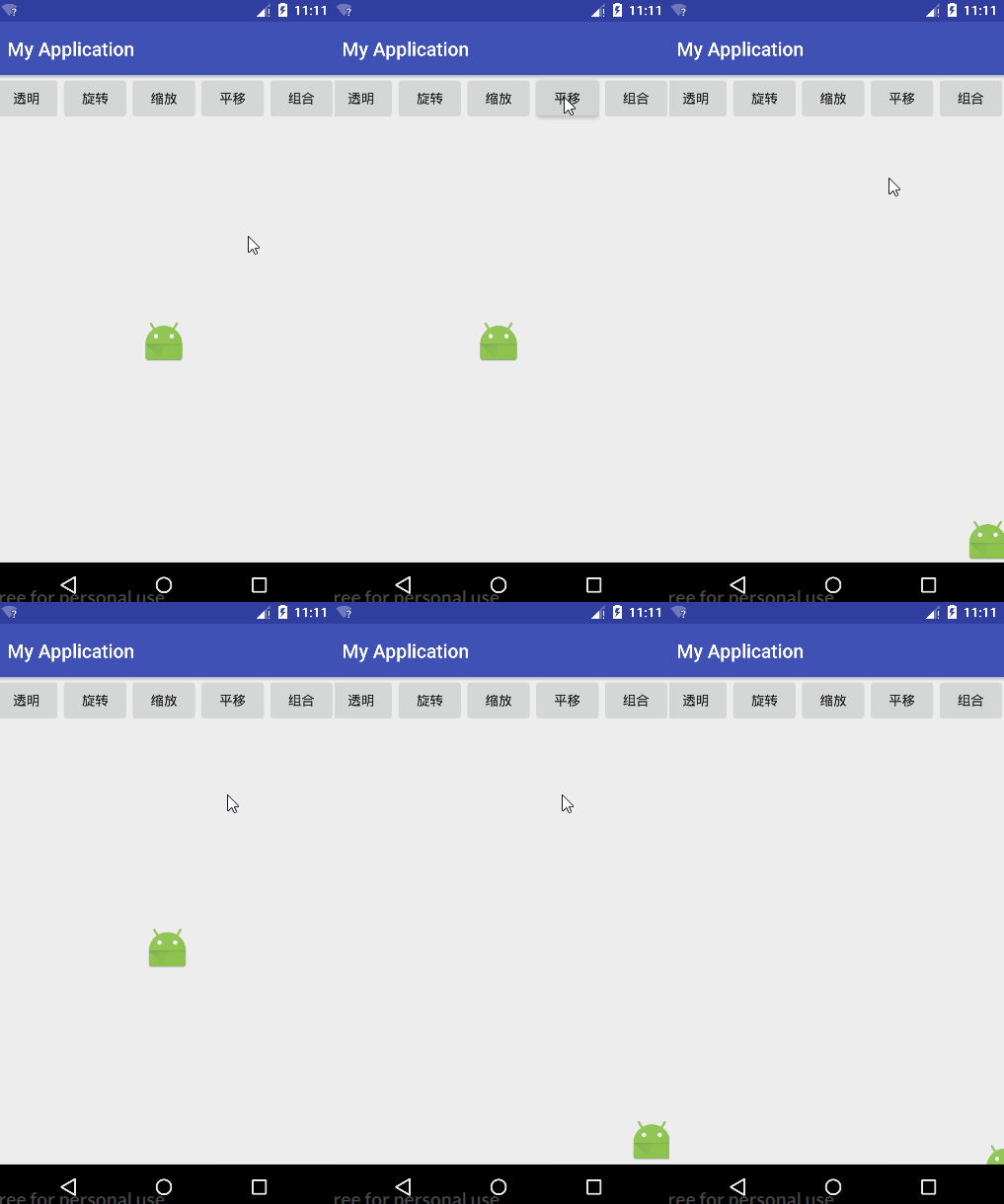
//TranslateAnimation 平移動畫
//前四個參數是表示X軸父級容器的-0.5平移到父級容器的0.5
//後四個參數是表示Y軸父級容器的-0.5平移到父級容器的0.5
TranslateAnimation translateAnimation = new
        TranslateAnimation(Animation.RELATIVE_TO_PARENT,-0.5f,Animation.RELATIVE_TO_PARENT,0.5f,
        Animation.RELATIVE_TO_PARENT,-0.5f,Animation.RELATIVE_TO_PARENT,0.5f);
//設置動畫的時間長度
translateAnimation.setDuration(2000);
//設置重複的類型
translateAnimation.setRepeatMode(Animation.REVERSE);
//設置重複的次數
translateAnimation.setRepeatCount(2);
//設置是否停留在最終狀態
translateAnimation.setFillAfter(true);
//可以設置一個動畫插入器,可以添加一些效果,以下是一個跳動的效果
translateAnimation.setInterpolator(new BounceInterpolator());
//讓動畫執行起來
imageView.startAnimation(translateAnimation);
效果圖
組合動畫
//AnimationSet 組合動畫
AnimationSet animationSet = new AnimationSet(false);

AlphaAnimation alphaAnimation = new AlphaAnimation(1.0f, 0.0f);
alphaAnimation.setDuration(2000);
alphaAnimation.setRepeatMode(Animation.REVERSE);
alphaAnimation.setRepeatCount(2);
alphaAnimation.setFillAfter(false);
//添加透明動畫
animationSet.addAnimation(alphaAnimation);

RotateAnimation rotateAnimation = new
        RotateAnimation(0, 360,Animation.RELATIVE_TO_SELF,0.5f,Animation.RELATIVE_TO_PARENT,0.5f);
rotateAnimation.setDuration(2000);
rotateAnimation.setRepeatMode(Animation.REVERSE);
rotateAnimation.setRepeatCount(2);
rotateAnimation.setFillAfter(false);
//添加旋轉動畫
animationSet.addAnimation(rotateAnimation);

ScaleAnimation scaleAnimation = new
        ScaleAnimation(1,2,1,2,Animation.RELATIVE_TO_SELF,0.5f,Animation.RELATIVE_TO_PARENT,0.5f);
scaleAnimation.setDuration(2000);
scaleAnimation.setRepeatMode(Animation.REVERSE);
scaleAnimation.setRepeatCount(2);
scaleAnimation.setFillAfter(false);
//添加縮放動畫
animationSet.addAnimation(scaleAnimation);

TranslateAnimation translateAnimation = new
        TranslateAnimation(Animation.RELATIVE_TO_PARENT,-0.5f,Animation.RELATIVE_TO_PARENT,0.5f,
        Animation.RELATIVE_TO_PARENT,-0.5f,Animation.RELATIVE_TO_PARENT,0.5f);
translateAnimation.setDuration(2000);
translateAnimation.setRepeatMode(Animation.REVERSE);
translateAnimation.setRepeatCount(2);
translateAnimation.setFillAfter(true);
translateAnimation.setInterpolator(new BounceInterpolator());
//添加平移動畫
animationSet.addAnimation(translateAnimation);

//把整個動畫組執行起來
imageView.startAnimation(animationSet);
效果圖
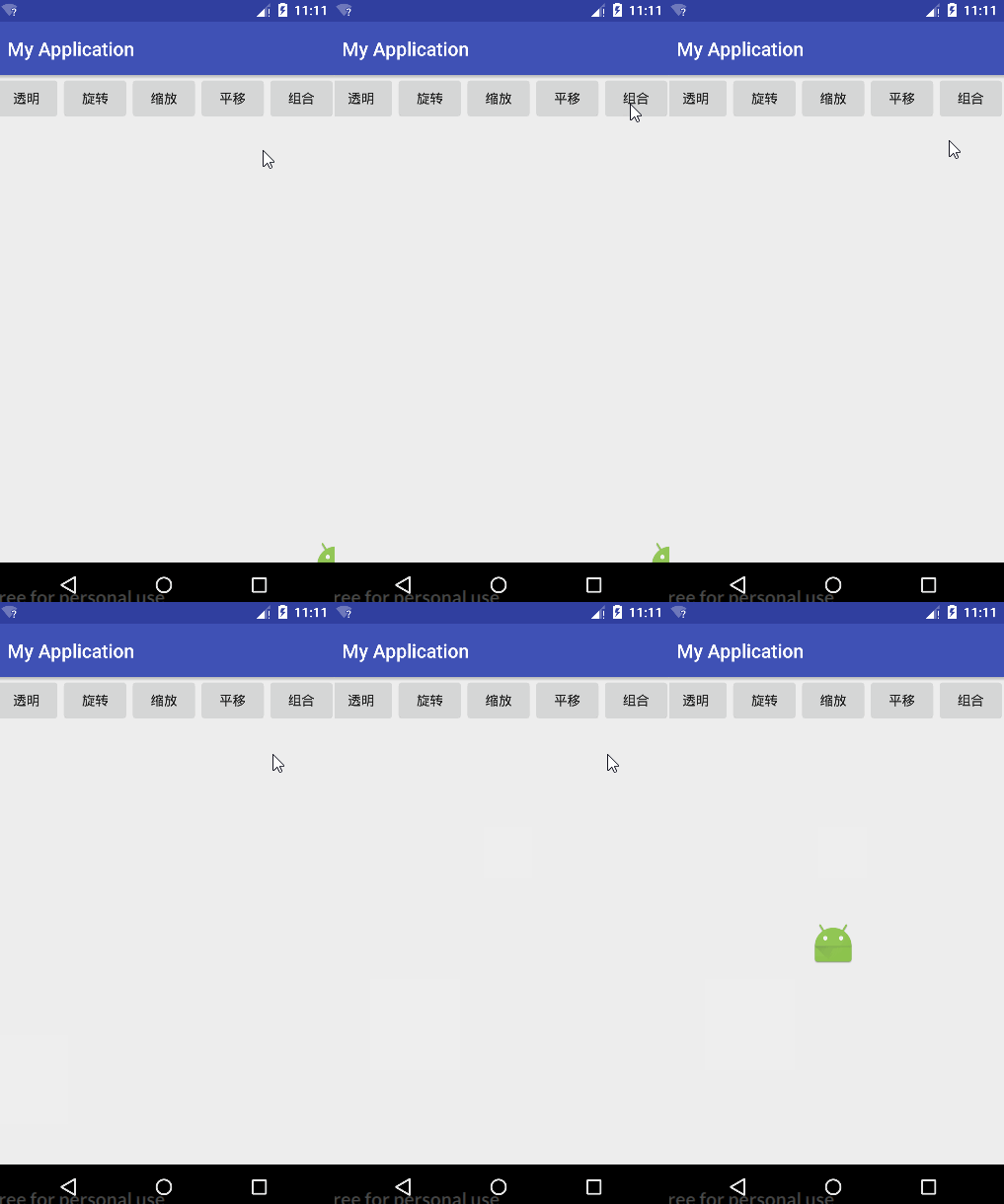
整篇代碼
activity_main.xml
<?xml version="1.0" encoding="utf-8"?>
<LinearLayout xmlns:android="http://schemas.android.com/apk/res/android"
    xmlns:tools="http://schemas.android.com/tools"
    android:id="@+id/activity_main"
    android:layout_width="match_parent"
    android:layout_height="match_parent"
    android:orientation="vertical"
    tools:context="com.example.dell.myapplication.MainActivity">


    <LinearLayout
        android:layout_width="match_parent"
        android:layout_height="wrap_content">

        <Button
            android:layout_width="0dp"
            android:layout_height="wrap_content"
            android:layout_weight="1"
            android:onClick="alpha"
            android:text="透明" />

        <Button
            android:layout_width="0dp"
            android:layout_height="wrap_content"
            android:layout_weight="1"
            android:onClick="rotate"
            android:text="旋轉" />

        <Button
            android:layout_width="0dp"
            android:layout_height="wrap_content"
            android:layout_weight="1"
            android:onClick="scale"
            android:text="縮放" />

        <Button
            android:layout_width="0dp"
            android:layout_height="wrap_content"
            android:layout_weight="1"
            android:onClick="translate"
            android:text="平移" />

        <Button
            android:layout_width="0dp"
            android:layout_height="wrap_content"
            android:layout_weight="1"
            android:onClick="set"
            android:text="組合" />
    </LinearLayout>

    <LinearLayout
        android:gravity="center"
        android:layout_width="match_parent"
        android:layout_height="match_parent">

        <ImageView
            android:id="@+id/imageView"
            android:src="@mipmap/ic_launcher"
            android:layout_width="wrap_content"
            android:layout_height="wrap_content" />
    </LinearLayout>
</LinearLayout>
MainActivity.java
import android.os.Bundle;
import android.support.v7.app.AppCompatActivity;
import android.view.View;
import android.view.animation.AlphaAnimation;
import android.view.animation.Animation;
import android.view.animation.AnimationSet;
import android.view.animation.BounceInterpolator;
import android.view.animation.RotateAnimation;
import android.view.animation.ScaleAnimation;
import android.view.animation.TranslateAnimation;
import android.widget.ImageView;

public class MainActivity extends AppCompatActivity {

    private ImageView imageView;

    @Override
    protected void onCreate(Bundle savedInstanceState) {
        super.onCreate(savedInstanceState);
        setContentView(R.layout.activity_main);
        imageView = (ImageView) findViewById(R.id.imageView);

    }

    public void alpha(View view) {
        //AlphaAnimation 透明動畫
        //第一個參數是開始的透明度,第二個參數是結束的透明度,1.0完全透明,0.0完全透明
        AlphaAnimation alphaAnimation = new AlphaAnimation(1.0f, 0.0f);
        //設置動畫的時間長度
        alphaAnimation.setDuration(2000);
        //設置重複的類型
        alphaAnimation.setRepeatMode(Animation.REVERSE);
        //設置重複的次數
        alphaAnimation.setRepeatCount(2);
        //設置是否停留在最終狀態
        alphaAnimation.setFillAfter(false);
        //讓動畫執行起來
        imageView.startAnimation(alphaAnimation);
    }

    public void rotate(View view) {
        //RotateAnimation 旋轉動畫
        //第一個參數是開始的的角度,第二個參數是結束的角度
        //第三個參數是旋轉中心的X座標類型,Animation.RELATIVE_TO_SELF 表示自身
        //第四個參數是X座標,0.5f表示X的一半
        //第五個參數是旋轉中心的座標類型,Animation.RELATIVE_TO_PARENT 表示父級容器
        //第六個參數是Y座標,0.5f表示X的一半
        RotateAnimation rotateAnimation = new
                RotateAnimation(0, 360, Animation.RELATIVE_TO_SELF, 0.5f, Animation.RELATIVE_TO_PARENT, 0.5f);
        //設置動畫的時間長度
        rotateAnimation.setDuration(2000);
        //設置重複的類型
        rotateAnimation.setRepeatMode(Animation.REVERSE);
        //設置重複的次數
        rotateAnimation.setRepeatCount(2);
        //設置是否停留在最終狀態
        rotateAnimation.setFillAfter(false);
        //讓動畫執行起來
        imageView.startAnimation(rotateAnimation);
    }

    public void scale(View view) {
        //ScaleAnimation 縮放動畫
        //第一個參數和第二個參數是表示X軸從1倍變寬2倍
        //第三個參數和第四個參數是表示軸從1倍變寬2倍
        //第五個參數是中心的X座標類型,Animation.RELATIVE_TO_SELF 表示自身
        //第六個參數是X座標,0.5f表示X的一半
        //第七個參數是中心的座標類型,Animation.RELATIVE_TO_PARENT 表示父級容器
        //第八個參數是Y座標,0.5f表示X的一半
        ScaleAnimation scaleAnimation = new
                ScaleAnimation(1, 2, 1, 2, Animation.RELATIVE_TO_SELF, 0.5f, Animation.RELATIVE_TO_PARENT, 0.5f);
        //設置動畫的時間長度
        scaleAnimation.setDuration(2000);
        //設置重複的類型
        scaleAnimation.setRepeatMode(Animation.REVERSE);
        //設置重複的次數
        scaleAnimation.setRepeatCount(2);
        //設置是否停留在最終狀態
        scaleAnimation.setFillAfter(false);
        //讓動畫執行起來
        imageView.startAnimation(scaleAnimation);
    }

    public void translate(View view) {
        //TranslateAnimation 平移動畫
        //前四個參數是表示X軸父級容器的-0.5平移到父級容器的0.5
        //後四個參數是表示Y軸父級容器的-0.5平移到父級容器的0.5
        TranslateAnimation translateAnimation = new
                TranslateAnimation(Animation.RELATIVE_TO_PARENT, -0.5f, Animation.RELATIVE_TO_PARENT, 0.5f,
                Animation.RELATIVE_TO_PARENT, -0.5f, Animation.RELATIVE_TO_PARENT, 0.5f);
        //設置動畫的時間長度
        translateAnimation.setDuration(2000);
        //設置重複的類型
        translateAnimation.setRepeatMode(Animation.REVERSE);
        //設置重複的次數
        translateAnimation.setRepeatCount(2);
        //設置是否停留在最終狀態
        translateAnimation.setFillAfter(true);
        //可以設置一個動畫插入器,可以添加一些效果,以下是一個跳動的效果
        translateAnimation.setInterpolator(new BounceInterpolator());
        //讓動畫執行起來
        imageView.startAnimation(translateAnimation);
    }

    public void set(View view) {
        //AnimationSet 組合動畫
        AnimationSet animationSet = new AnimationSet(false);

        AlphaAnimation alphaAnimation = new AlphaAnimation(1.0f, 0.0f);
        alphaAnimation.setDuration(2000);
        alphaAnimation.setRepeatMode(Animation.REVERSE);
        alphaAnimation.setRepeatCount(2);
        alphaAnimation.setFillAfter(false);
        //添加透明動畫
        animationSet.addAnimation(alphaAnimation);

        RotateAnimation rotateAnimation = new
                RotateAnimation(0, 360, Animation.RELATIVE_TO_SELF, 0.5f, Animation.RELATIVE_TO_PARENT, 0.5f);
        rotateAnimation.setDuration(2000);
        rotateAnimation.setRepeatMode(Animation.REVERSE);
        rotateAnimation.setRepeatCount(2);
        rotateAnimation.setFillAfter(false);
        //添加旋轉動畫
        animationSet.addAnimation(rotateAnimation);

        ScaleAnimation scaleAnimation = new
                ScaleAnimation(1, 2, 1, 2, Animation.RELATIVE_TO_SELF, 0.5f, Animation.RELATIVE_TO_PARENT, 0.5f);
        scaleAnimation.setDuration(2000);
        scaleAnimation.setRepeatMode(Animation.REVERSE);
        scaleAnimation.setRepeatCount(2);
        scaleAnimation.setFillAfter(false);
        //添加縮放動畫
        animationSet.addAnimation(scaleAnimation);

        TranslateAnimation translateAnimation = new
                TranslateAnimation(Animation.RELATIVE_TO_PARENT, -0.5f, Animation.RELATIVE_TO_PARENT, 0.5f,
                Animation.RELATIVE_TO_PARENT, -0.5f, Animation.RELATIVE_TO_PARENT, 0.5f);
        translateAnimation.setDuration(2000);
        translateAnimation.setRepeatMode(Animation.REVERSE);
        translateAnimation.setRepeatCount(2);
        translateAnimation.setFillAfter(true);
        translateAnimation.setInterpolator(new BounceInterpolator());
        //添加平移動畫
        animationSet.addAnimation(translateAnimation);

        //把整個動畫組執行起來
        imageView.startAnimation(animationSet);
    }
}
使用XML方式創建動畫
在res下創建文件夾anim,在anim創建alpha.xml(平移動畫)

寫上以下的代碼:
<?xml version="1.0" encoding="utf-8"?>
<alpha xmlns:android="http://schemas.android.com/apk/res/android"
    android:fromAlpha="1"
    android:toAlpha="0"
    android:duration="2000"
    android:repeatMode="reverse"
    android:repeatCount="1">
</alpha>
在執行動畫時,只需要兩行代碼就可以了
Animation animation = AnimationUtils.loadAnimation(getApplicationContext(), R.anim.alpha);
alpha.startAnimation(animation);
也可以實現動畫,建議使用xml,思路更清晰