To achieve startup execution, the first thought is to use a broadcast. When the broadcast receiver receives the boot - completed broadcast, the onReceive() method is executed, and we can write the required operations in this method.

Using Android Studio to create a broadcast: Right - click the package name –> New –> BroadcastReceiver.
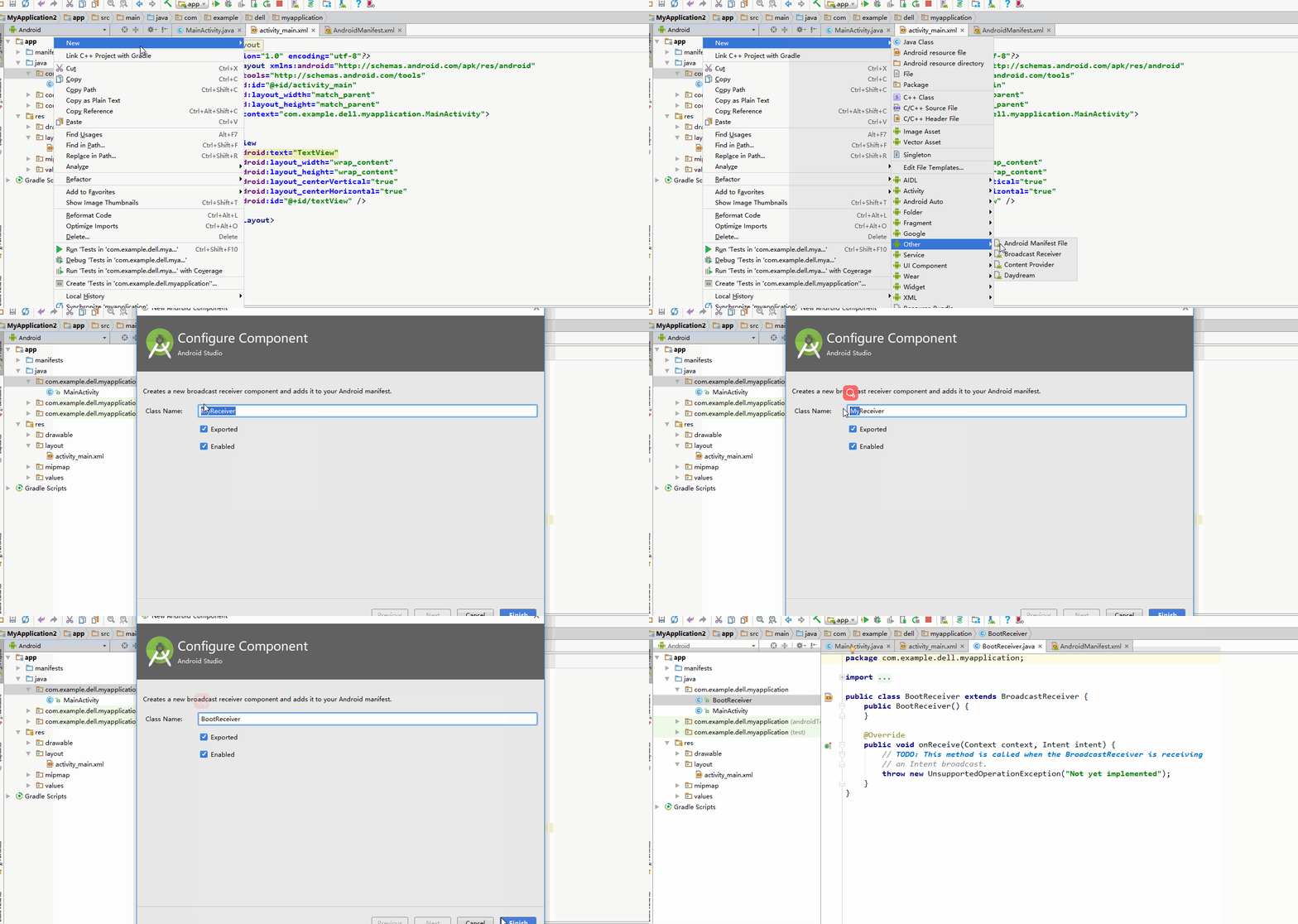
If you follow the above steps, the code in the red - boxed area will be automatically generated in the manifest file.

For static registration, we need to register the boot - completed broadcast in the action.
<receiver
     android:name=".BootReceiver"
     android:enabled="true"
     android:exported="true">
     <intent-filter>
          <action android:name="android.intent.action.BOOT_COMPLETED"/>
     </intent-filter>
</receiver>
Also, add the permission for boot completion.
<uses-permission android:name="android.permission.RECEIVE_BOOT_COMPLETED"/>
Modify the onReceive() method of the broadcast to make it pop up a notification bar after startup for easy observation.
@Override
public void onReceive(Context context, Intent intent) {
    Notification.Builder builder = new Notification.Builder(context);
    builder.setTicker("开机启动");
    builder.setAutoCancel(true);
    builder.setContentTitle("通知");
    builder.setContentText("我已经开机启动了");
    builder.setSmallIcon(R.mipmap.ic_launcher);
    Notification notification = builder.build();
    NotificationManager manager = (NotificationManager) context.getSystemService(Context.NOTIFICATION_SERVICE);
    manager.notify(1,notification);
}
This completes the setup.