Foreword
Imagine being able to easily launch a powerful large language model with just one click. The “Yeyu Piaoling · Qianwen Launcher” is such a magical tool—it requires no cumbersome environment setup and comes with multiple model specifications to suit different usage scenarios. What’s even more exciting is that even if your device has limited resources, you can still find a suitable model, as the smallest 0.5B model only needs 1GB of VRAM!
Usage Environment
- System: Windows
- Graphics Card: NVIDIA graphics card (VRAM 2GB or more)
- Graphics Driver: Version 516.01 or higher (it is recommended to install the latest driver)
Usage Introduction
After downloading and double-clicking Launch.exe, you will enter the main interface of the “Yeyu Piaoling · Qianwen Launcher”. This simple and intuitive tool is mainly divided into three pages: the Launch page, the Chat page, and the Log page.
Launch Page
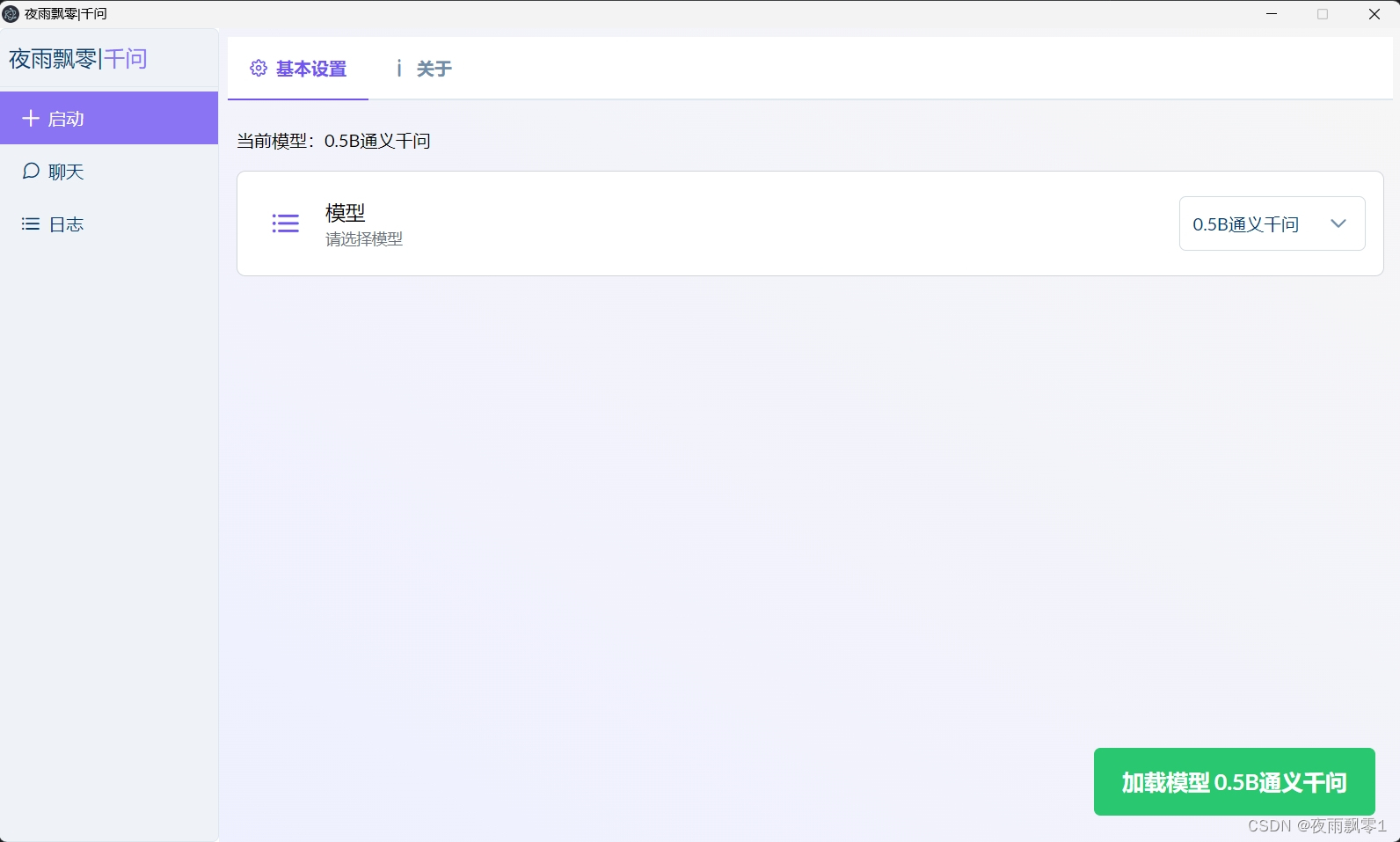
On the Launch page, you can easily select and load the model you need. If you don’t have the model file locally, the launcher will automatically download it for you. The download time varies depending on the model size, and you can view the download progress in real-time on the Log page.
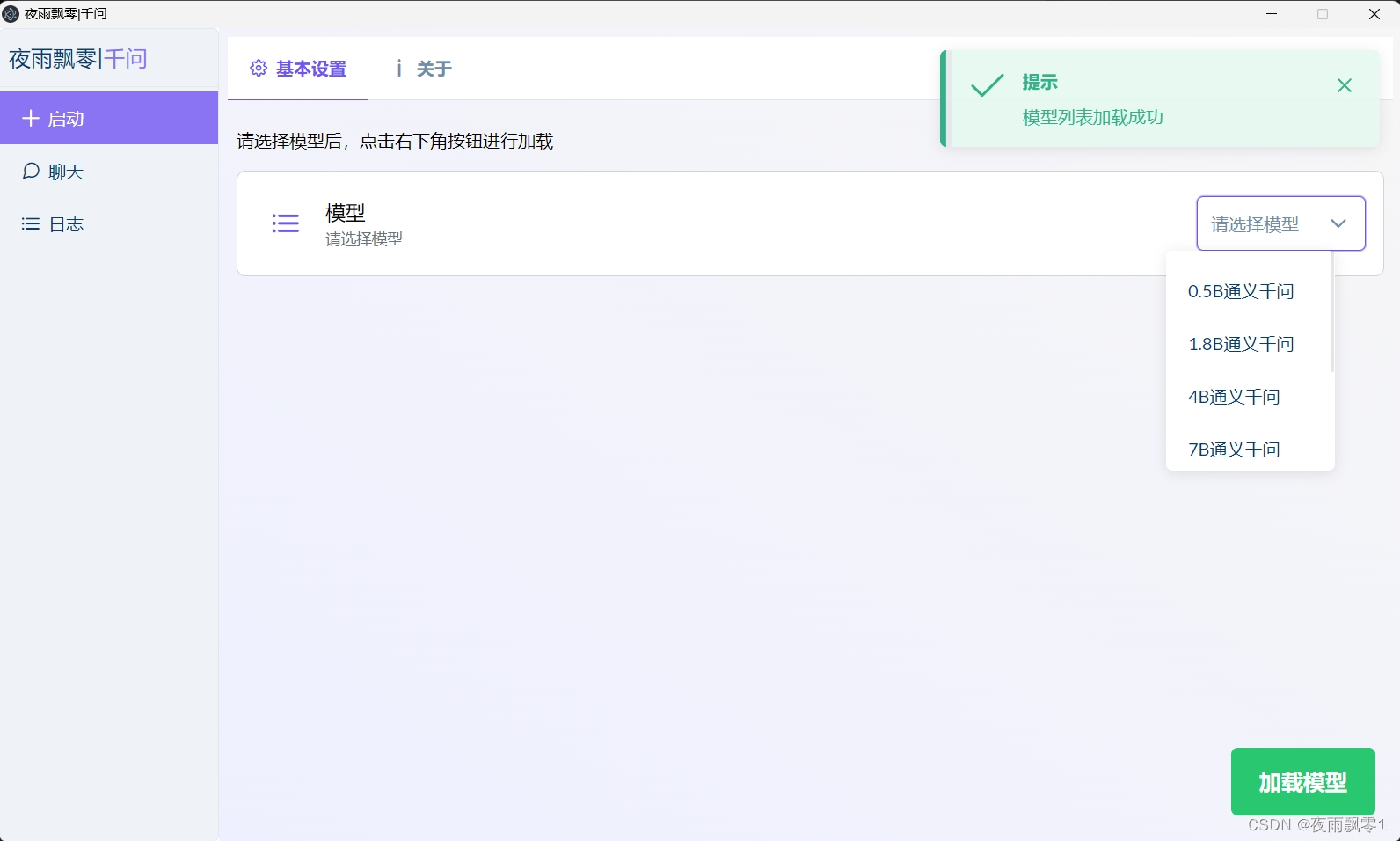
Once the loading is successful, you can seamlessly switch to the Chat page to start interacting with the model. If you want to change the model, simply reselect it and click “Load”.
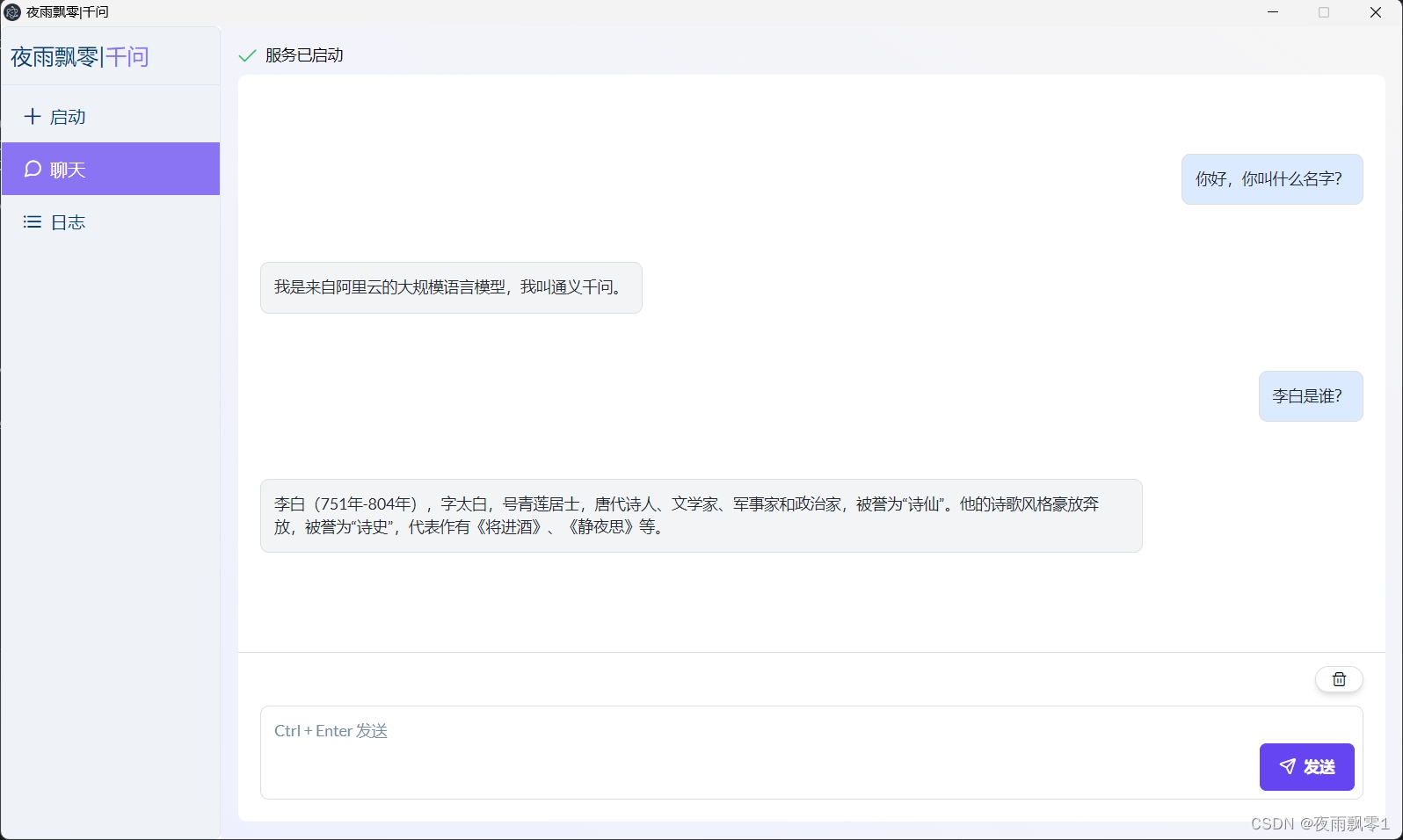
Chat Page
On this page, you can ask questions at any time, and the model will reply to you instantly. The smooth conversational experience is like having an intelligent companion chatting with you.
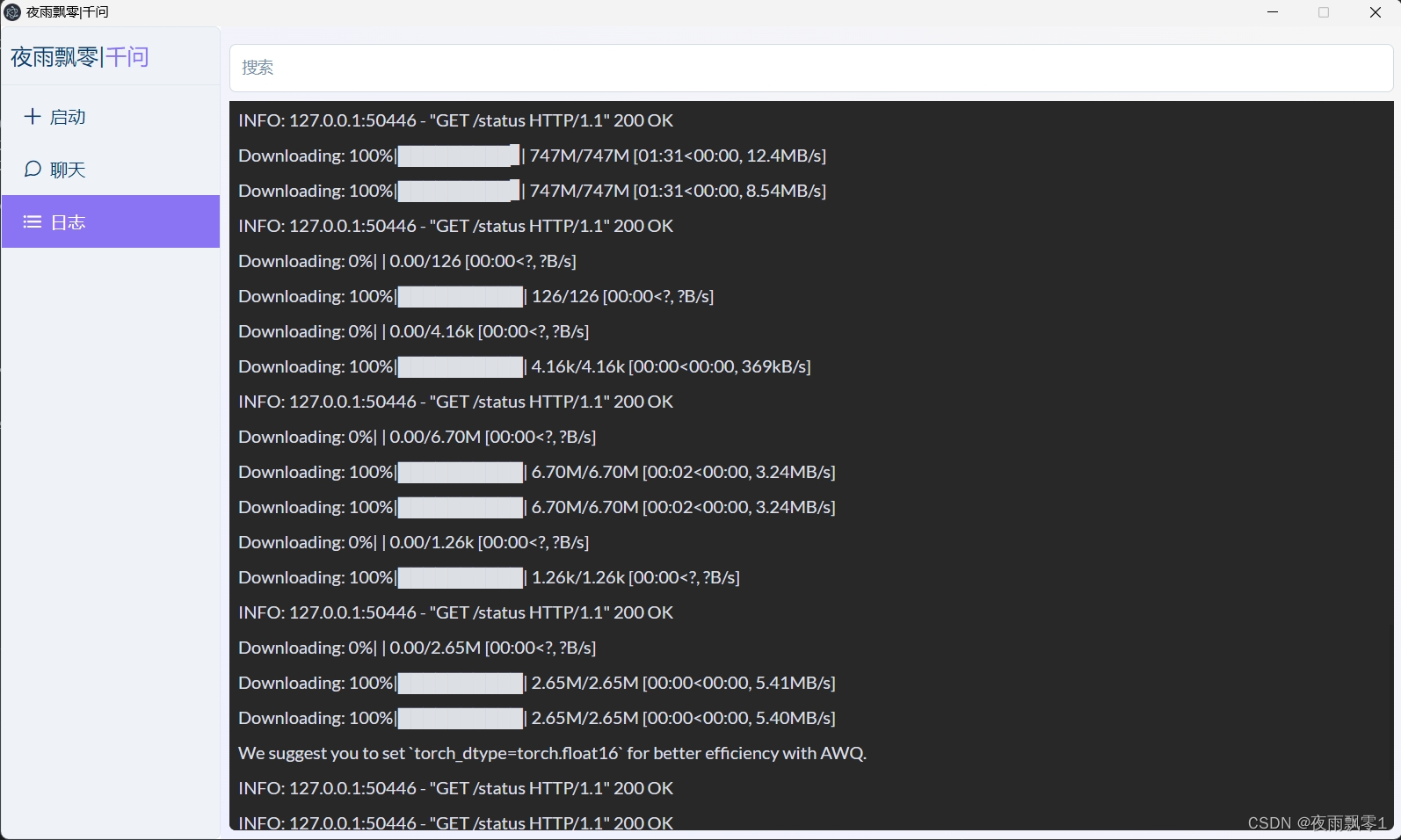
Log Page
You usually don’t need to open this page, but if you encounter any issues during use, the Log page will provide detailed records to help you quickly identify and resolve problems.
Get the Launcher
Scan the QR code to join our Knowledge Planet to obtain the “Yeyu Piaoling · Qianwen” Launcher and the latest version. Here, you can also find and download various cutting-edge AI launchers for experience.