Preface
This article will introduce a service that can quickly set up a local text-to-speech (TTS) service. The model and code are all provided, and it does not require an internet connection to run. The project uses the VITS model architecture, making it very easy to start the service.
Installation Environment
- Install PyTorch.
# Install CPU version of PyTorch
conda install pytorch torchvision torchaudio cpuonly -c pytorch
# Install GPU version of PyTorch
conda install pytorch torchvision torchaudio pytorch-cuda=11.8 -c pytorch -c nvidia
- Install other dependent libraries.
pip install -r requirements.txt -i https://pypi.tuna.tsinghua.edu.cn/simple
Start the Service
- Execute the
server.pyprogram to start the audio file upload and recognition service.
python server.py
Android Application
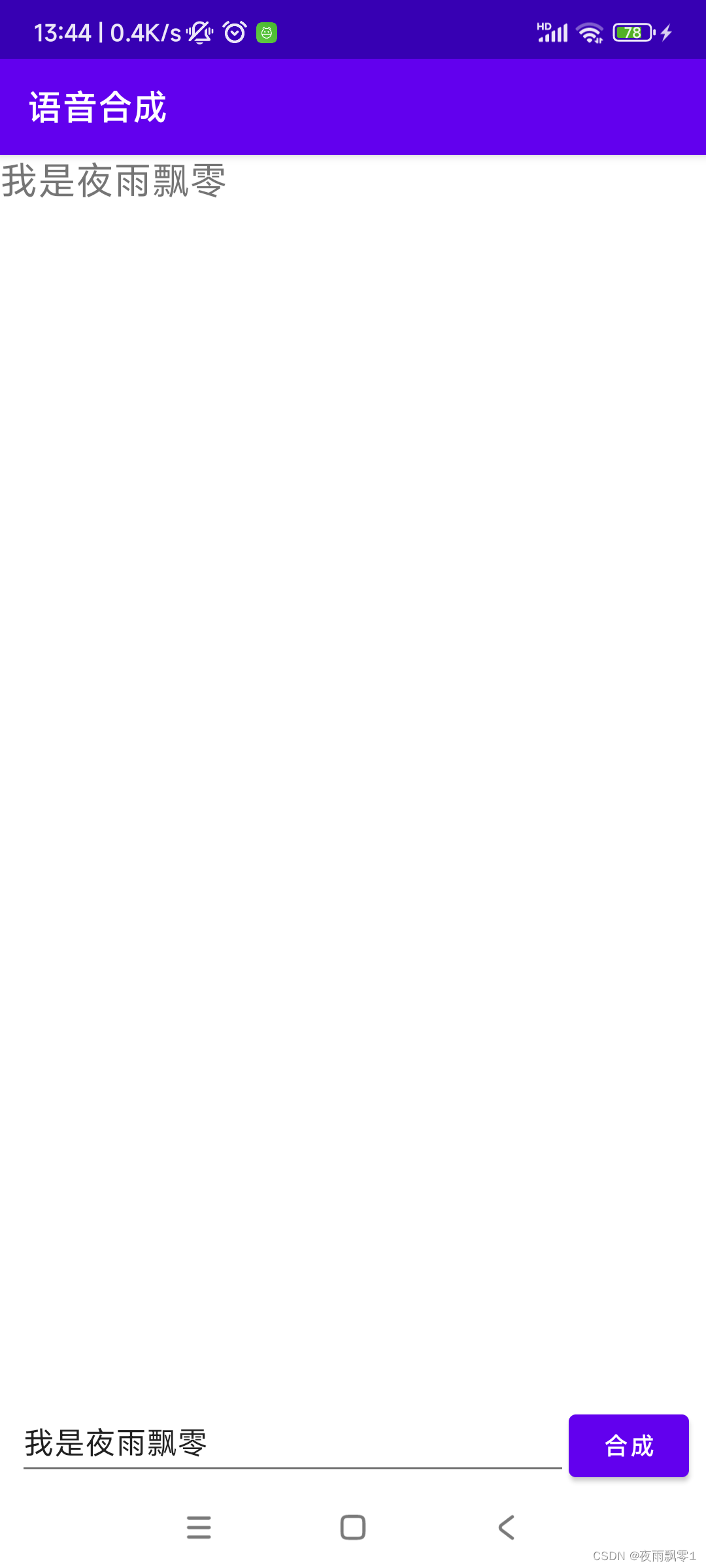
Open the AndroidClient directory in the source code using Android Studio. This is an Android application source code. After opening it, you first need to modify the service address TTS_HOST to the server IP address you used above, then click “Run” to install it on your Android phone.
Application effect diagram:
Scan the QR code to join the knowledge planet and search for “VITS Text-to-Speech Web Service” to obtain the source code