Foreword
Most smartphones nowadays have voice assistants, such as Xiaomi’s Xiaoai, VIVO’s V, etc. With smart assistants, we can quickly get information or operate the phone, like checking the weather or sending a WeChat message to a friend. This article will introduce how to use AIUI to quickly build a similar smart assistant.
AIUI
AIUI is a full-chain man-machine interaction voice solution centered on natural language understanding, launched by iFlytek in 2015. It enables your applications and devices to “listen, speak, understand, and think” quickly. AIUI features transparent and open semantic information, cloud access, and flexible business customization. Applications and devices integrated with AIUI can easily achieve voice interaction capabilities such as querying weather, playing audio/video resources, setting alarms, and controlling smart home devices. AIUI includes multiple functions like voice wake-up, speech recognition, natural language understanding, speech synthesis, full-duplex interaction, translation, and supports multiple skills integration.
Creating an AIUI Application
-
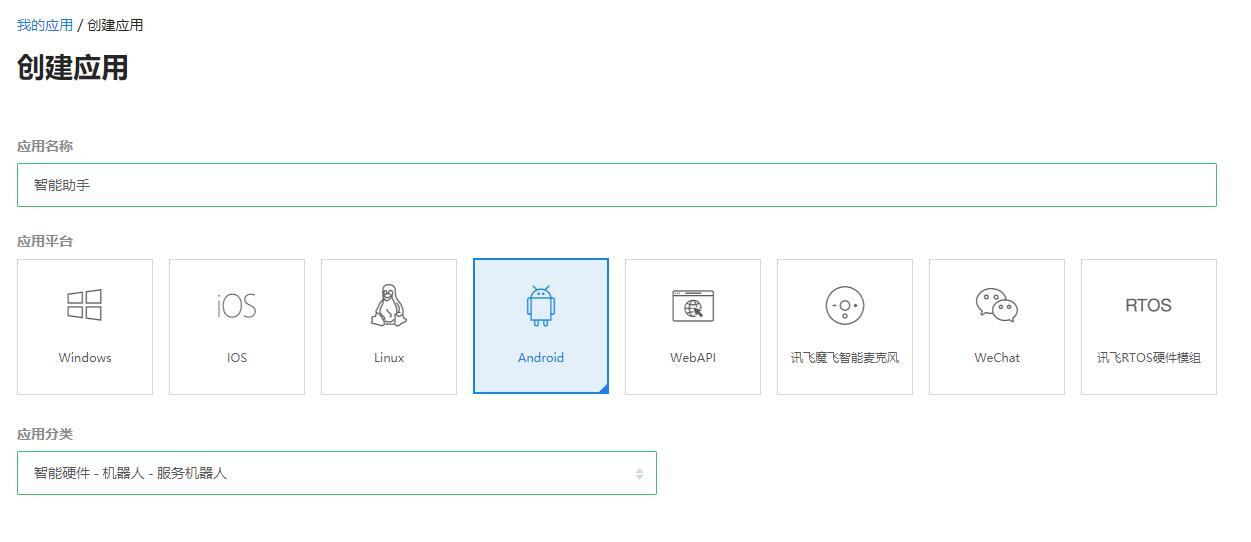
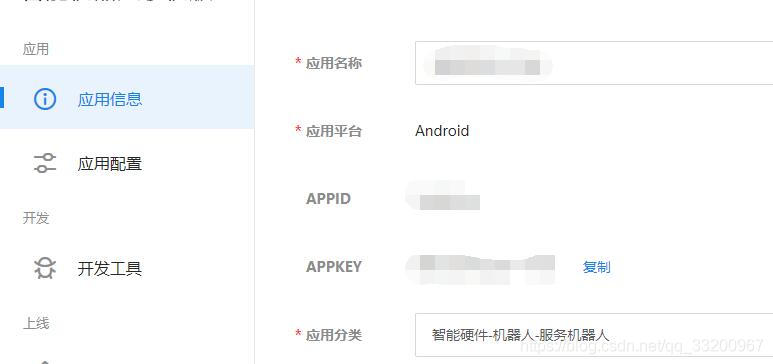
Visit the My Applications page at https://aiui.iflyos.cn/apps and create a new application. Enter your application name and select the platform type as Android.
-
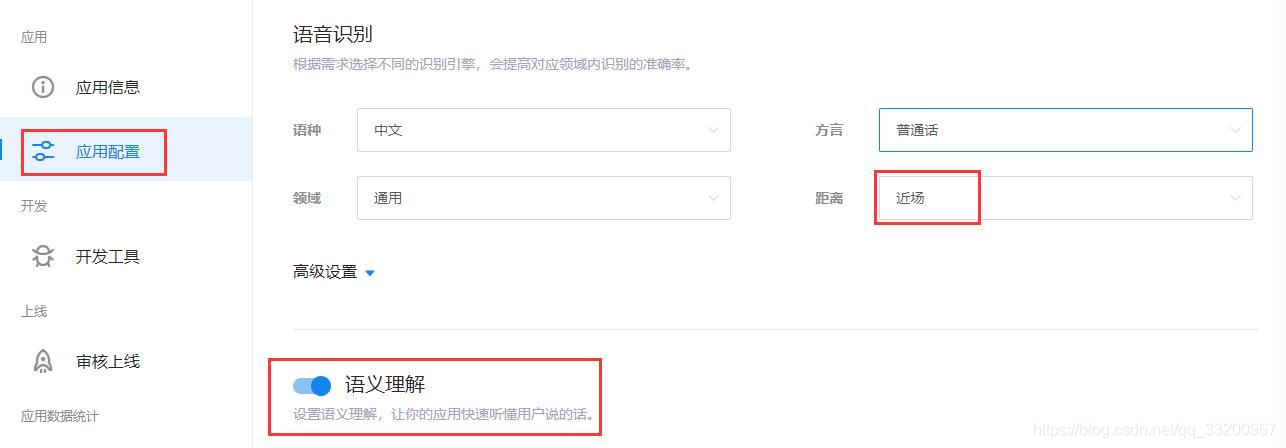
On the application configuration page, since we’re developing a mobile app, choose near-field voice recognition (far-field is for smart speakers). Enable Semantic Understanding (critical for adding skills to your app). If voice wake-up is needed, you can set up keyword filtering.
-
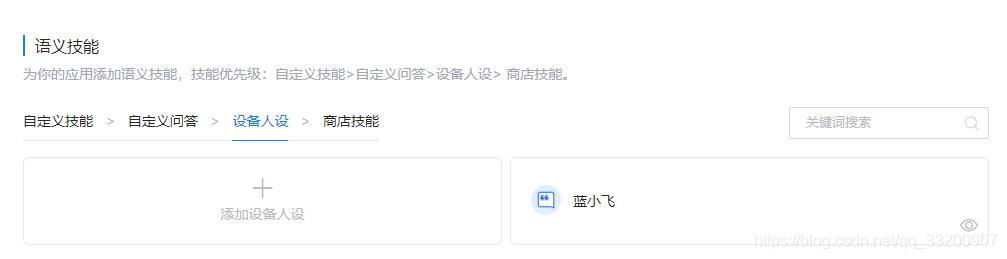
After enabling semantic understanding, add application skills such as defining a character persona (customizable to fit your needs). You can also add various skills from the “Store Skills” to enhance your smart assistant.
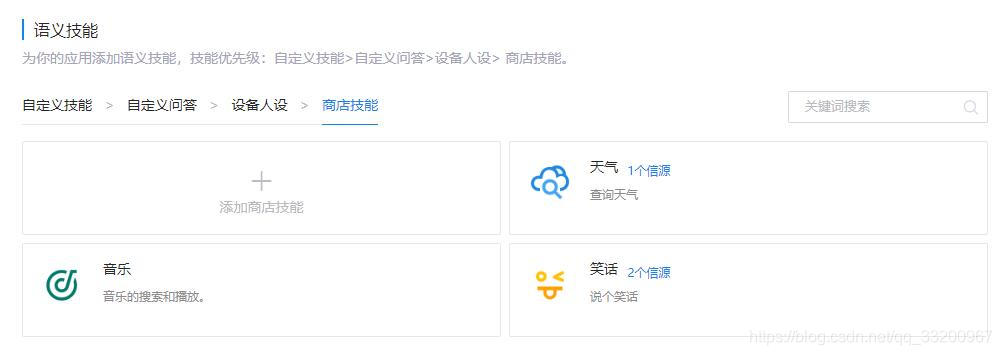
-
Configure the “Fallback” mechanism to handle unrecognized intents. For example, if the “Turn on air conditioner” skill isn’t added, AIUI will use the fallback response.
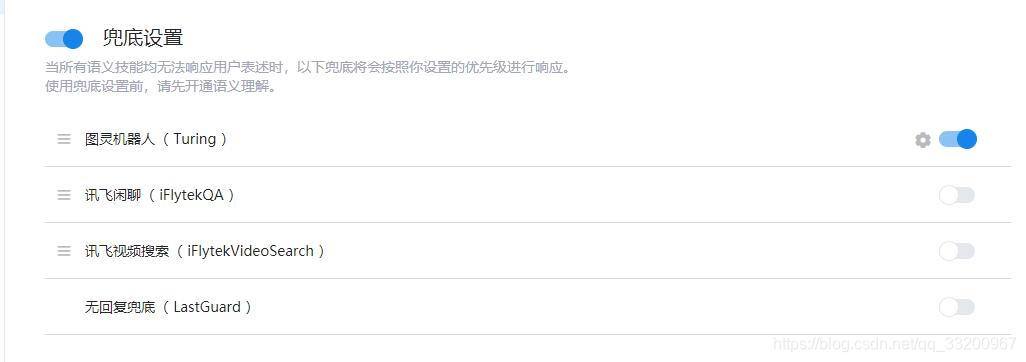
-
Enable Speech Synthesis to add voice output capabilities to your app.
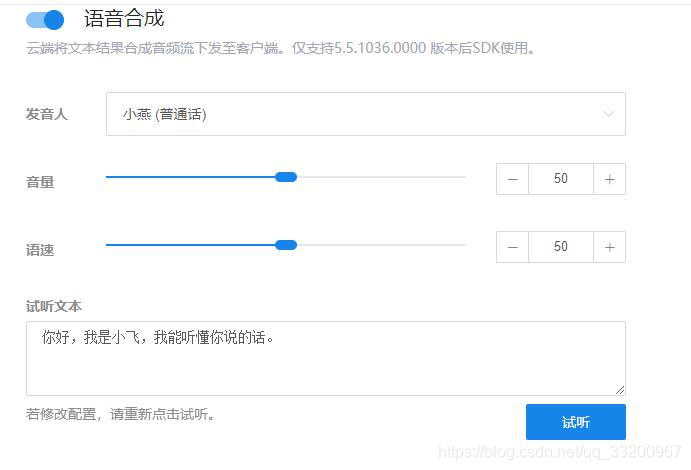
Once the AIUI configuration is complete, focus on refining semantic skills to strengthen your smart assistant.
Developing Android Applications
Next, we’ll develop an Android app:
-
Download the AIUI Android SDK from the development tools.
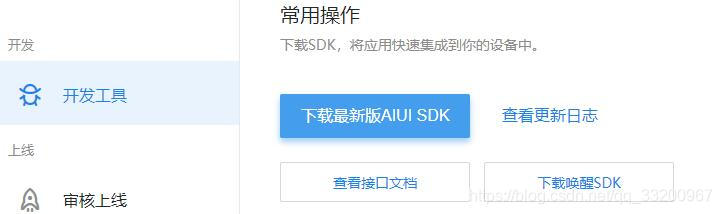
-
Download the Android Demo from: https://resource.doiduoyi.com/#uk874g9
-
Extract the SDK and copy the
libsdynamic libraries toapp/src/main/jniLibs. For mobile/ARM boards, copy onlyarm64-v8aandarmeabi-v7a. Modifyassets/cfg/aiui_phone.jsonto update theappid(obtained from AIUI application settings). Note:appkeyis embedded in the dynamic library and does not need explicit configuration here.
-
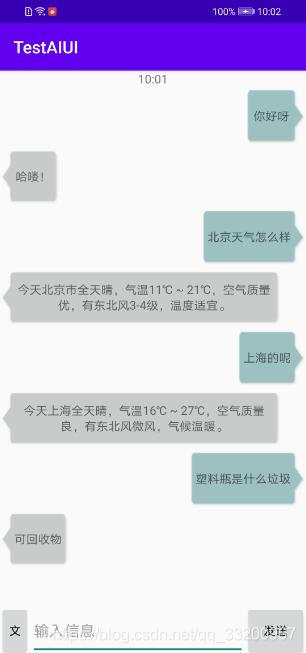
Run the Android project and test. The result will look like this: