1. Why use Gitee instead of GitHub?
Many friends may ask this question. The reasons are as follows:
- Gitee is a domestic brand with all content in Chinese, which is more friendly to friends with weaker English skills.
- Gitee is free for both private and public projects, while GitHub charges for private repositories.
- The following image shows a comparison between Gitee and GitHub:

2. How to upload your project to Gitee?
- First, register an account on the official website: http://git.oschina.net/

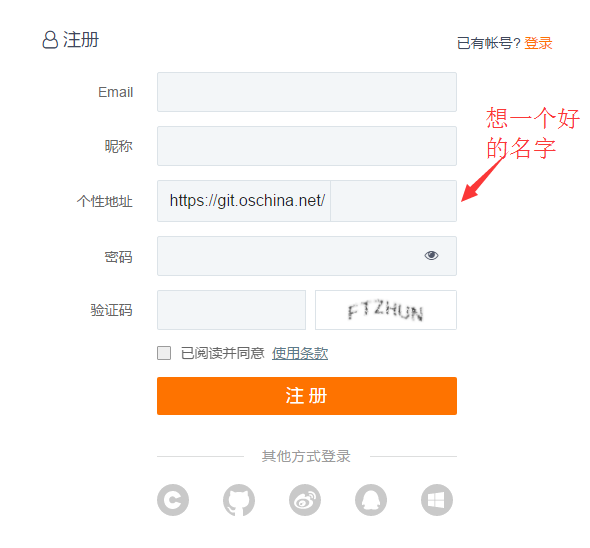
- After registration, log in and create your project.

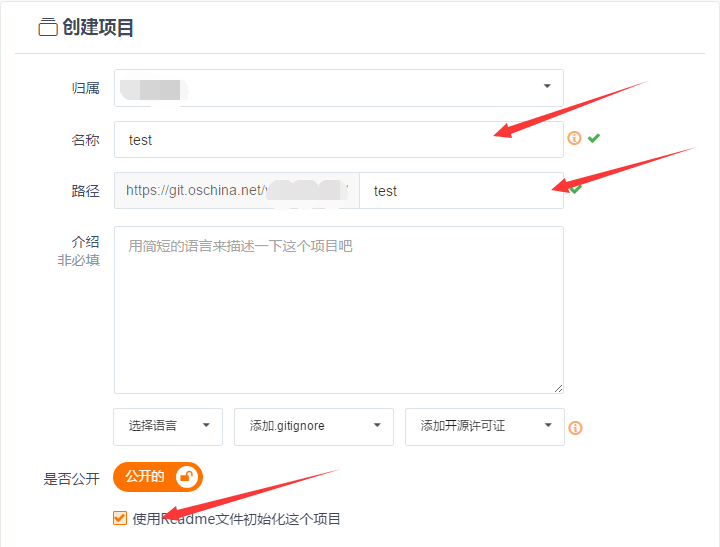
- Fill in the project details.

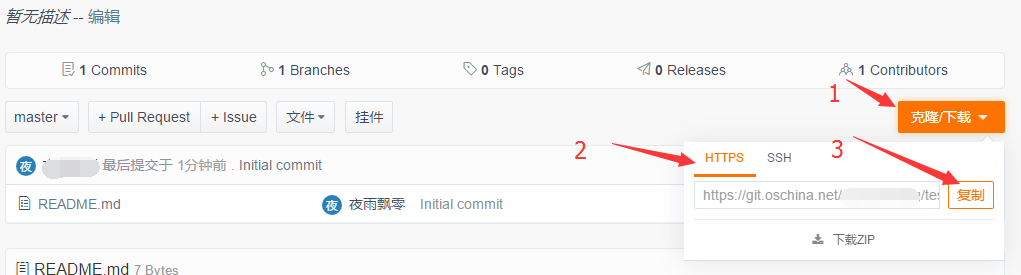
- Copy the project URL.
- Create a local project (I use Intellij IDEA here).
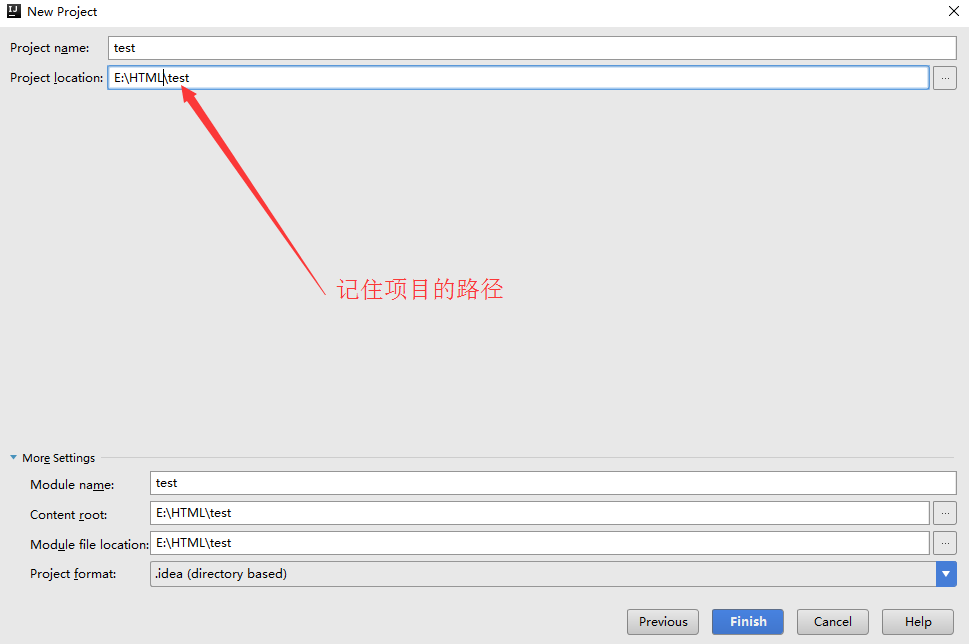
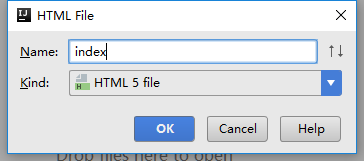
Create a random file.

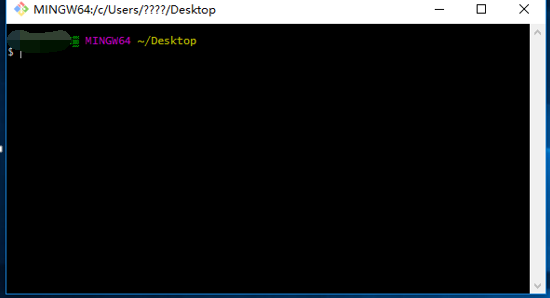
- Open Git Bash (first install Git from the official website: https://git-scm.com/downloads).
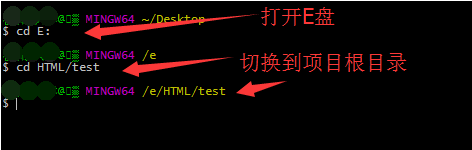
- Switch to your project directory.
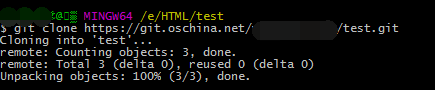
- Clone the Gitee project to your local machine.

The cloning is successful.
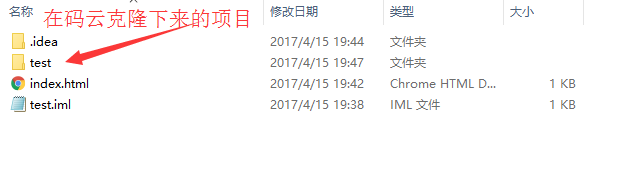
- Open the cloned project, cut all files, and paste them into the root directory of your local project.

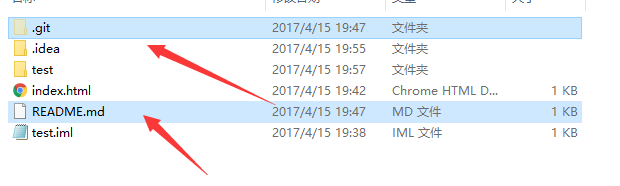
Execute ls and refresh to see the project has been initialized.


- Add all files to version control:
git add .

Then commit the changes:
git commit -m "This is a test"

Push to Gitee:
git push origin master

- Visit Gitee to confirm your project has been uploaded.

- You’re done!