Preface
This article introduces a voice recognition interface application developed based on FunASR. This application allows selecting local audio or recording for recognition. It supports multiple audio and video formats, and can add timestamps to recognition results to create subtitles.
Installation Environment
- Install PyTorch. You can choose the CPU version or GPU version of PyTorch according to your machine’s configuration.
# Install CPU version of PyTorch
conda install pytorch torchvision torchaudio cpuonly -c pytorch
# Install GPU version of PyTorch
conda install pytorch torchvision torchaudio pytorch-cuda=11.8 -c pytorch -c nvidia
- Install ffmpeg and pyaudio.
conda install ffmpeg pyaudio
- Install other dependency libraries.
pip install -r requirements.txt -i https://pypi.tuna.tsinghua.edu.cn/simple
Usage
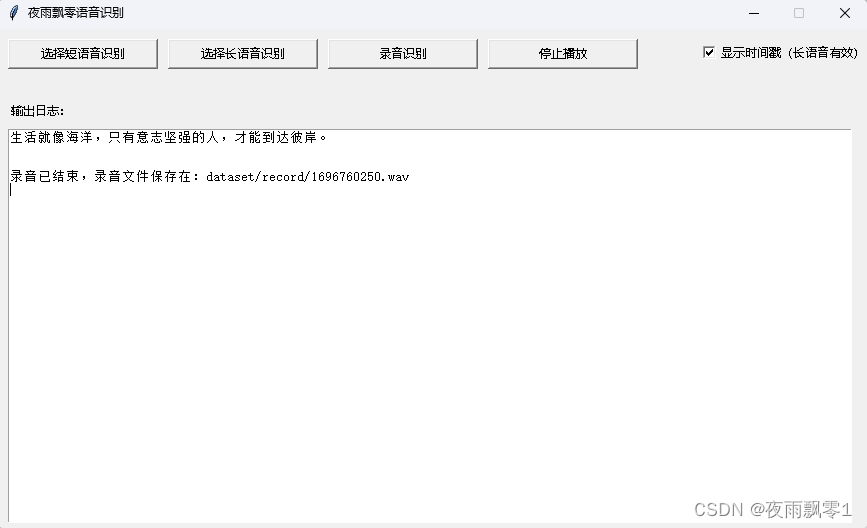
Execute main.py to start the program. There are a total of four functions: short voice recognition, long voice recognition, recording recognition, and audio playback.
-
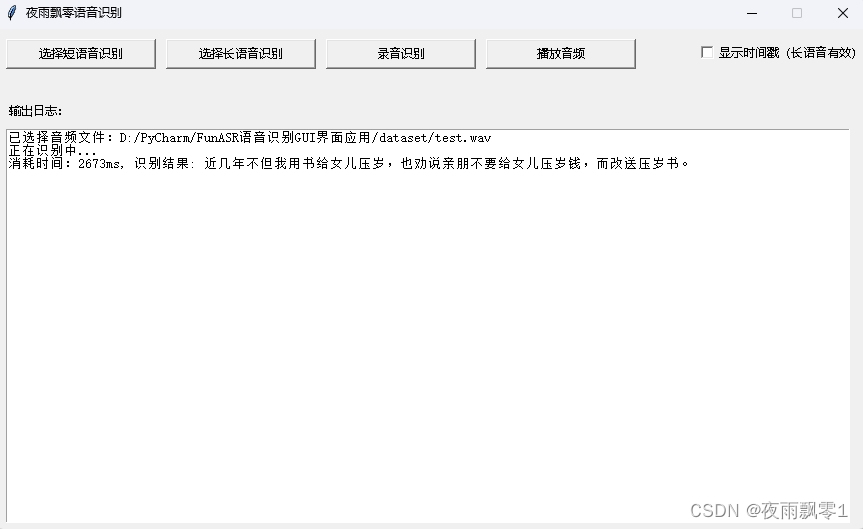
Short audio recognition: You can select a short audio or video, and the result will be obtained. There is no fixed limit on the length; generally, audio shorter than 30 seconds or 50 seconds is considered short.
-
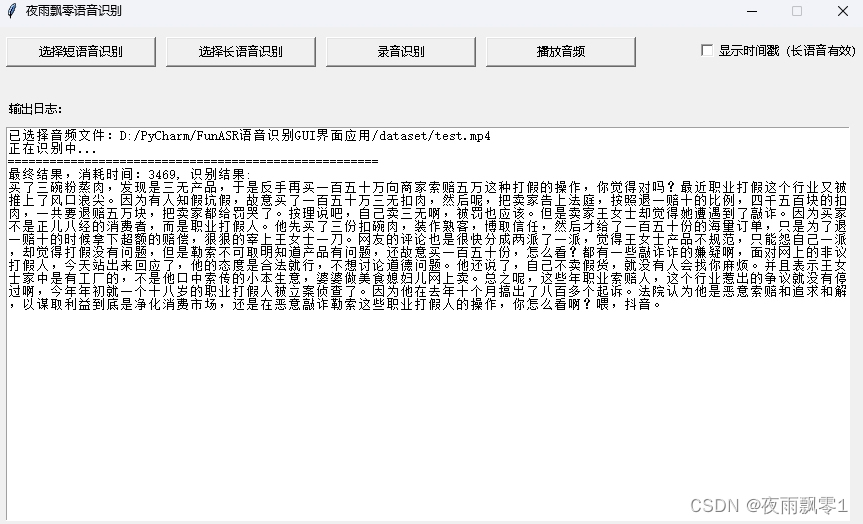
Long audio recognition: There are two models for long audio recognition. The first one does not add timestamps, and all results are concatenated. The long audio recognition method actually uses a VAD model to split the long audio into multiple short segments and then performs recognition.
-
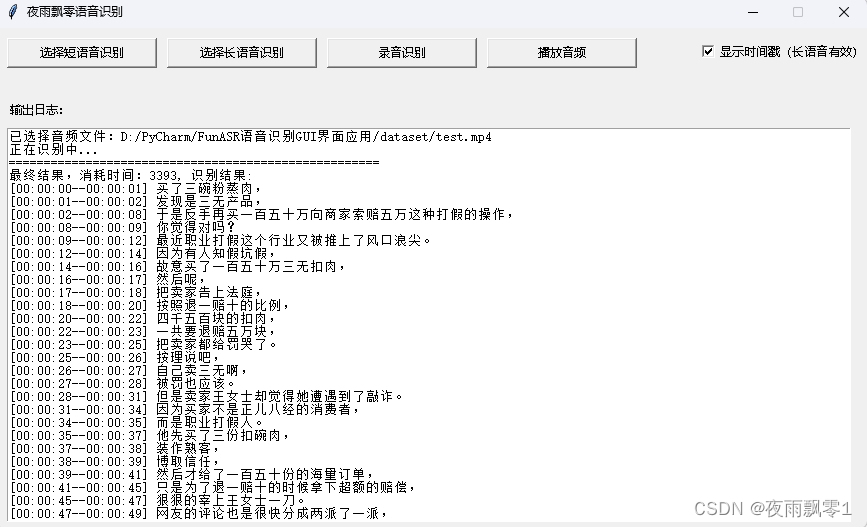
Long audio recognition (with timestamps): The second one displays timestamps, allowing you to know the start and end times of each sentence, which can be used for subtitle creation.
-
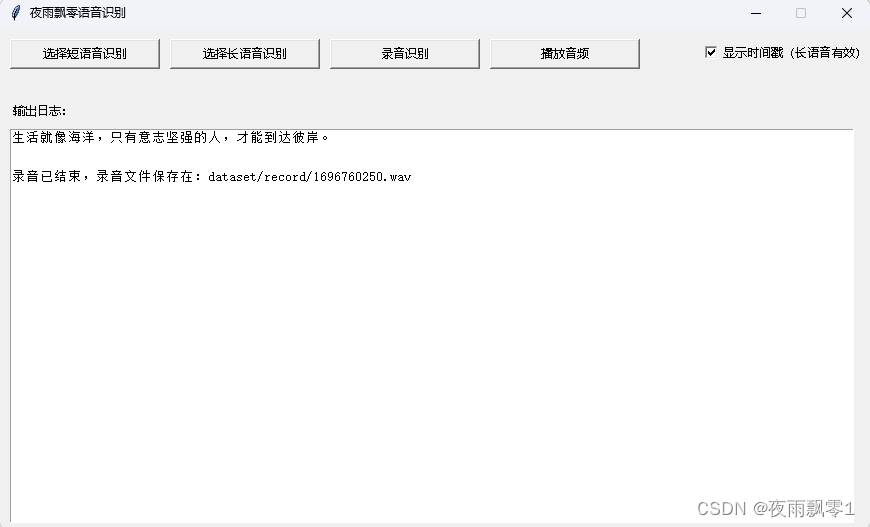
Recording recognition: Recording recognition provides real-time results as you speak. This recognition method is streaming. After clicking “Stop Recording,” the entire recording is re-recognized to improve the final accuracy.
-
Audio playback: After selecting an audio file or completing recording recognition, you can click the “Play Audio” button to play the audio. Only audio formats are supported; video formats are not supported.
Scan the QR code to join the knowledge planet and search for【FunASR Voice Recognition GUI Interface Application】to obtain the source code